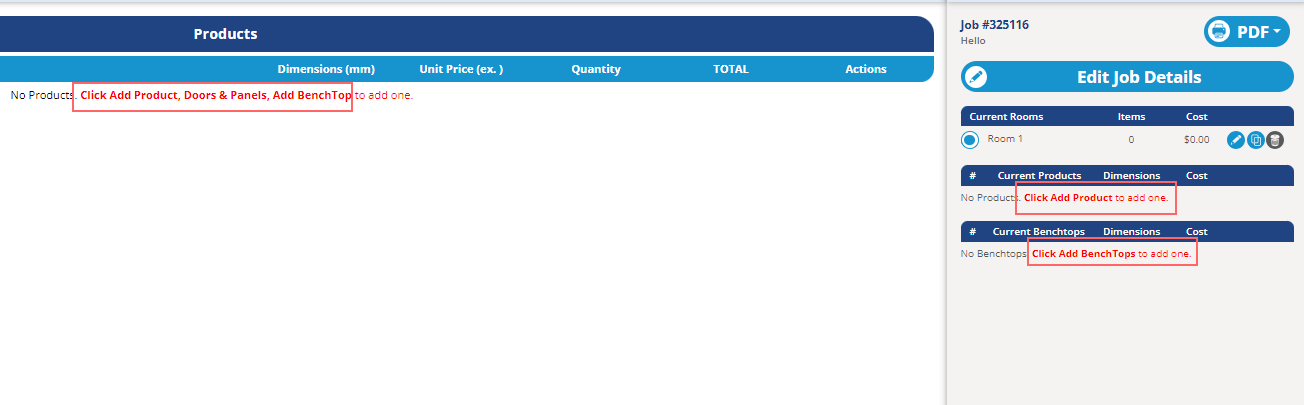
New Feature: - Added a new auto-scroll feature to focus on the last item added to the job on the detailed cart view.
New Improvements:
- Improve email wording when customer account attribution occuring - Added logic to permit copying sundry text attributes on sundry items added to a users job, when that job is copied.
New Fixes: - Resolved a glitch where oven and microwave cabinets in a KD Max import was not bringing through drawer top margins
- Fix detailed cart dashboard text flashing briefly while cancelling out of a product before saving
New Improvements: - Add job name to all email templates that show the job ID
New Fixes: - Prevent material search tutorial appearing after user closes it, navigates away from material tab, then it reappearing when going back to the material tab again.
- Resolved "missing parameter hori_height" error on drawer cabinets with advanced door types, which used 'collective face' drawer type, which prevented saving the item to cart.
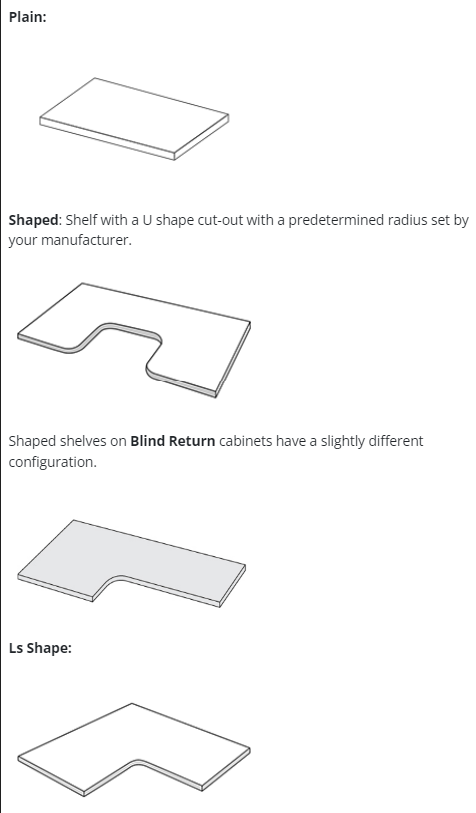
New Improvements: - Implement backend changes to permit default shelf type to be set on products
New Fixes: - Resolved a UI display issue on the job report where drawer face sizes were displaying incorrect m2 sizes (didn't affect any pricing calculations)
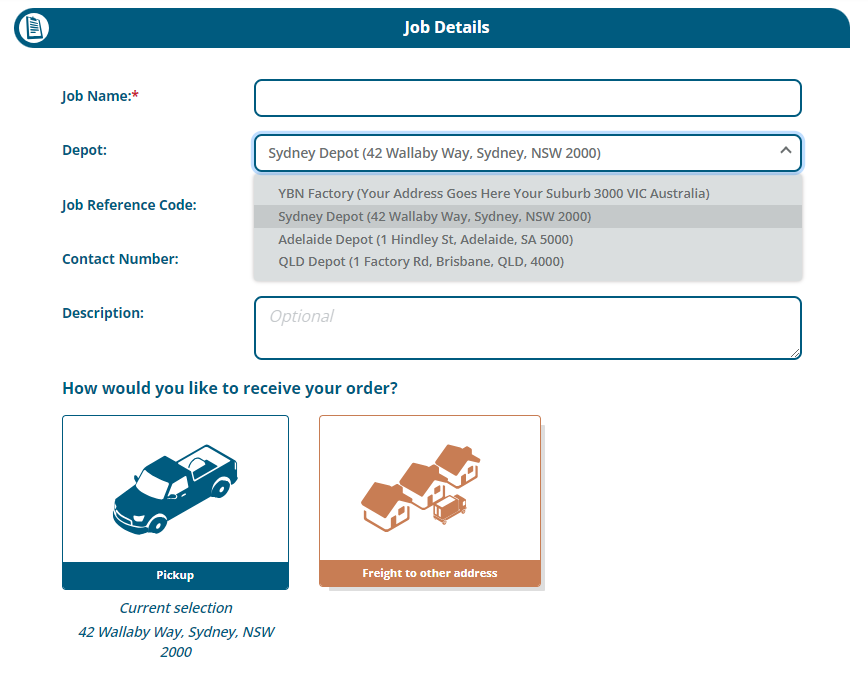
- Fixed a small glitch on the new Location/Depot functionality where delivery options were being disabled when they're not available on the default depot
New Feature! - A new option has been added under Tools > Settings > Manufacturer Defaults to optionally disable variation requests for customers. This can also be overridden on individual customer accounts (so that manufacturers can permit certain customers to order jobs with variations, but not others) Customer level option to allow/disallow variations to be applied
New Improvement:
- Implemented better handling of PDF popups on Safari so that the modal closes when user clicks away on any other part of the screen
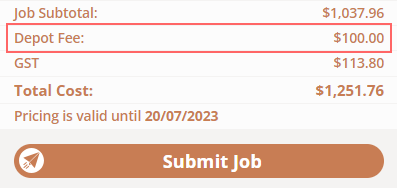
New Feature! - Add depot/branch feature for manufacturers with multiple pickup points or factories. Including specifying Depot/Branch specific pickup or delivery options and fees. New Depot/Branch details added to the Job Report screen. Optional depot/branches Specific Depot pickup fees New Improvements - Fixed a UI issue where the quantity field on the detailed cart view are shrunken and hard to use on small screens
New Improvements: - C.O Admin backend changes - non-visible to manufacturers - Add a prompt to alert users to log out if they try to create a job and it isn't successful.
New Fix: - Resolved a glitch in dropdown filters on the manufacturer's portal on edge, material and door lists
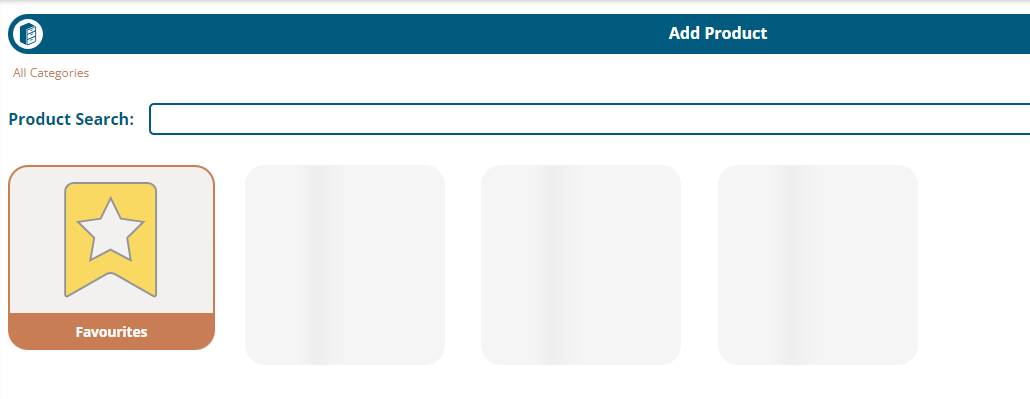
New Fixes: - Implement a patch to prevent products saving with incorrect door styles when room default materials are unavailable - Fixed some appliances not loading - Resolved an issue where products which were hidden by manufacturers were visible through the TDLD add product screen
New Fix: - Fix a bug preventing Vinyl products being updated to non-Vinyl products through 'Update room settings' - Fix errors when trying to add gap or product size sets
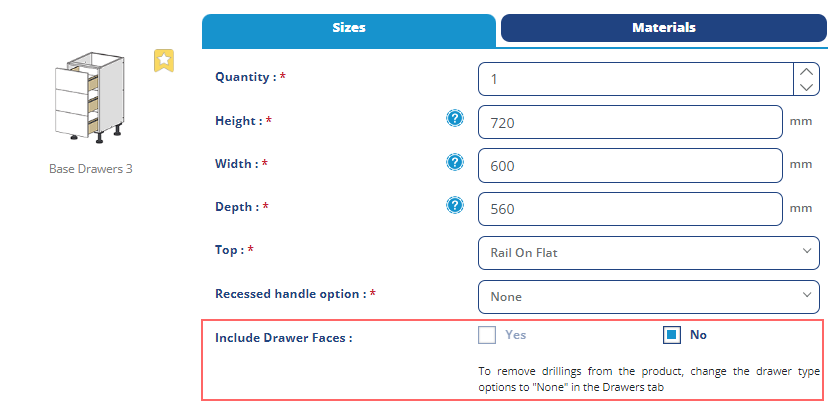
New Features: - Added a new "Include door / drawer faces" Yes/No radio buttons on all products that would otherwise have doors / drawer faces. When "No" selected, the system will default to using the 'Non Supply' material on exterior parts, and hide the material search function.
New Improvements: - Reformat Job Details PDF (table view) to better display information relating to ovens and drawers
New Fixes: - Resolved a glitch in door previews, where mid-rail positions weren't updating in the preview in certain when altering quantities of rails.
New Fixes: - Resolved inconsistency in the display of door hang previews when editing saved cabinet products
- Fixed edge matching in QFP (Doors & Panels)
New Improvements: - Pre-populate pricing for saved QFP (Doors & Panels) items from API to speed up load times - Add loading spinners to QFP (Doors & Panels) page upon re-editing saved QFP items
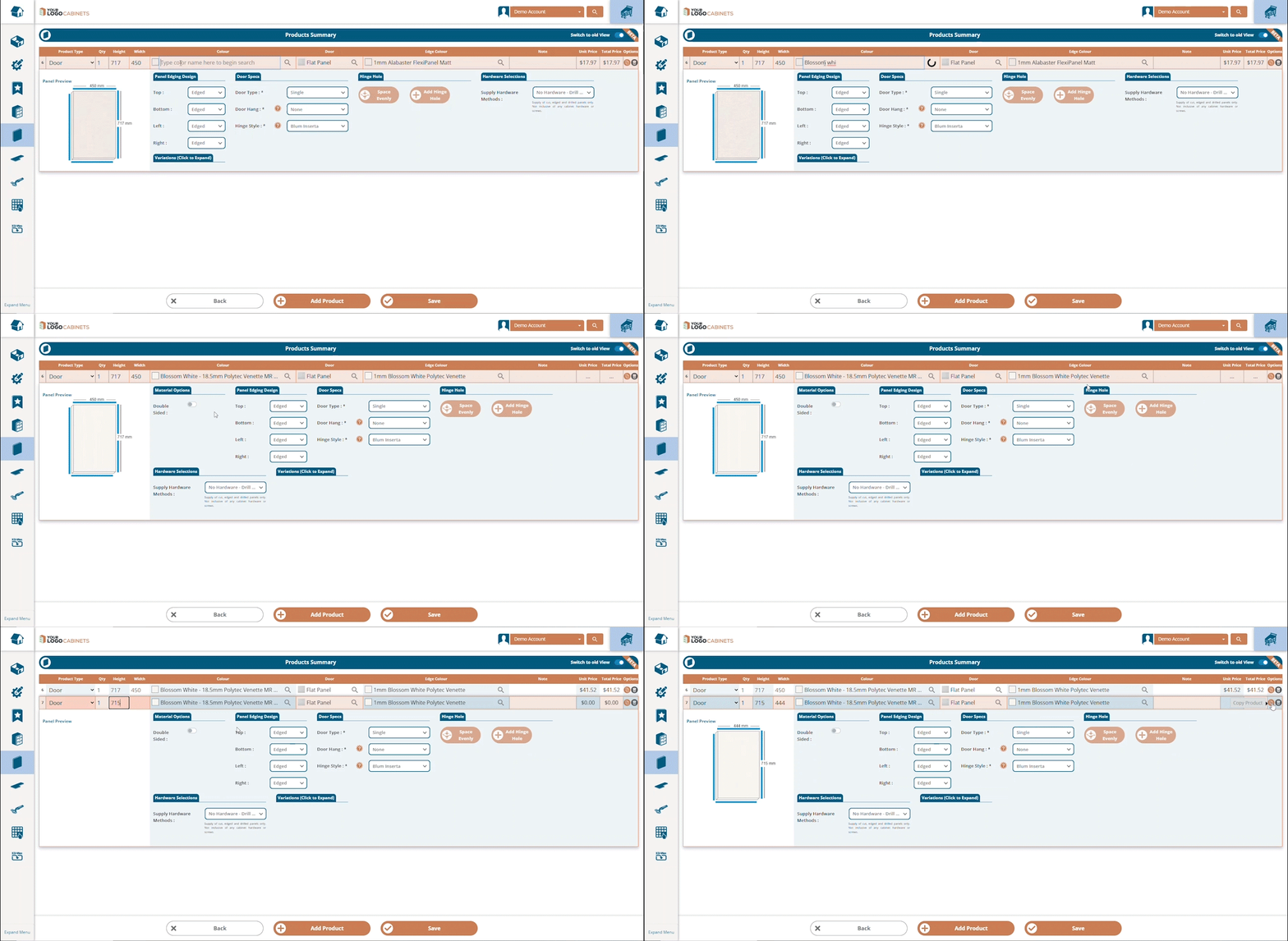
- Implement material search in QFP/Doors & Panels section
- Added a new prompt when the user clicks the 'copy' button, so they can specify how many duplicates of that product that they want - Display colour swatches on QFP beside material and edge selection - Display door style image beside door selection
New Improvements: - When clicking 'Add Product' on QFP/Doors & Panels, product spec is retained, but height/width and any notes/variations are clearedQFP Search